

In This Article
How to Start Selling on Meesho – Complete Beginner Guide for New Sellers
Meesho has rapidly become one of the fastest growing ecommerce marketplaces in India. It provides an excellent opportunity for small businesses, wholesalers, manufacturers, and individual entrepreneurs to sell products online without large investments.
If you are planning to start an online business or expand your existing business to digital marketplaces, Meesho can be a great platform. This guide explains the complete process of how to start selling on Meesho.
Quick Steps to Start Selling on Meesho
- Create a seller account on the Meesho Supplier Portal
- Add GST number and bank details
- Upload your product catalog
- Set product pricing and inventory
- Start receiving orders from customers
Quick Navigation
- What is Meesho
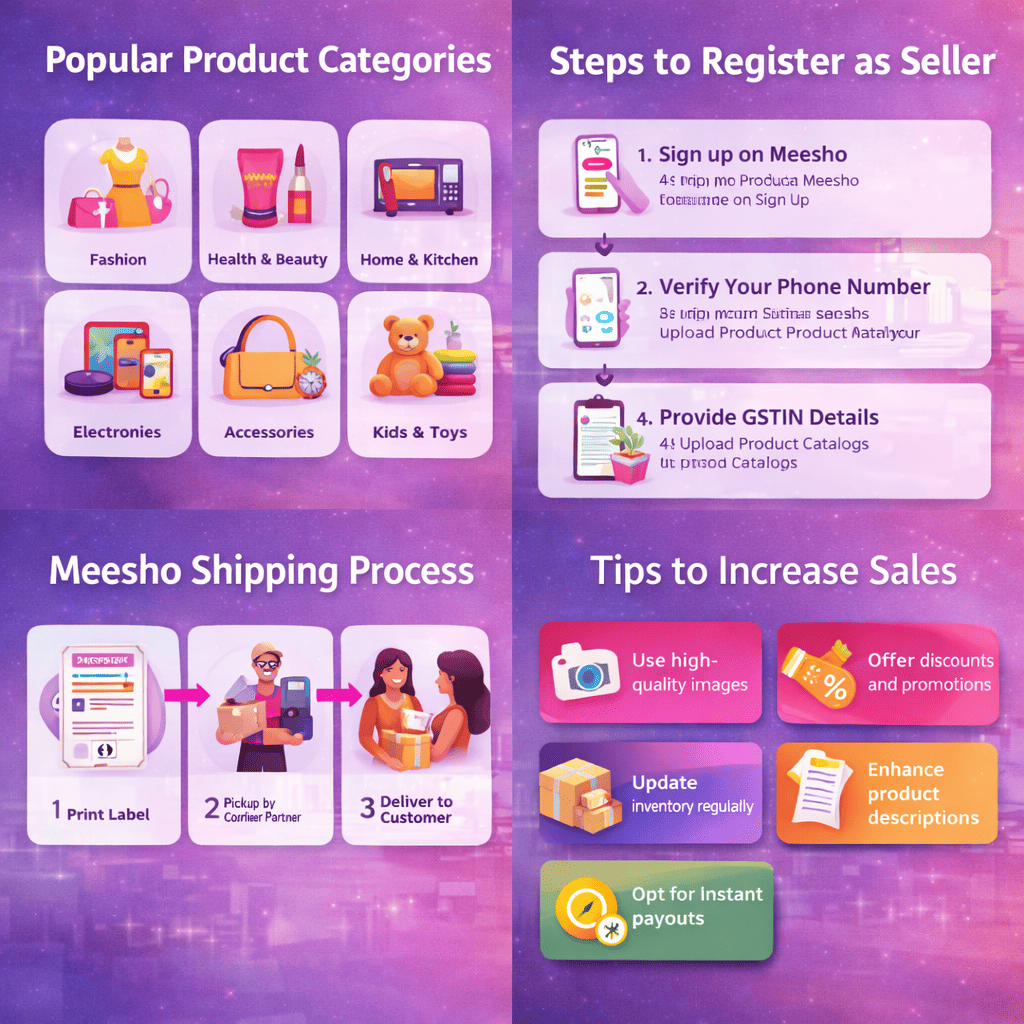
- Popular Product Categories
- Benefits of Selling on Meesho
- Requirements to Start Selling
- Step-by-Step Seller Registration
- How Meesho Shipping Works
- Tips to Increase Sales
- Common Seller Mistakes
- FAQs
What is Meesho?
Meesho is an Indian ecommerce platform that connects suppliers and sellers with customers across the country. The platform is especially popular for affordable fashion products, home essentials, accessories, and daily use items.
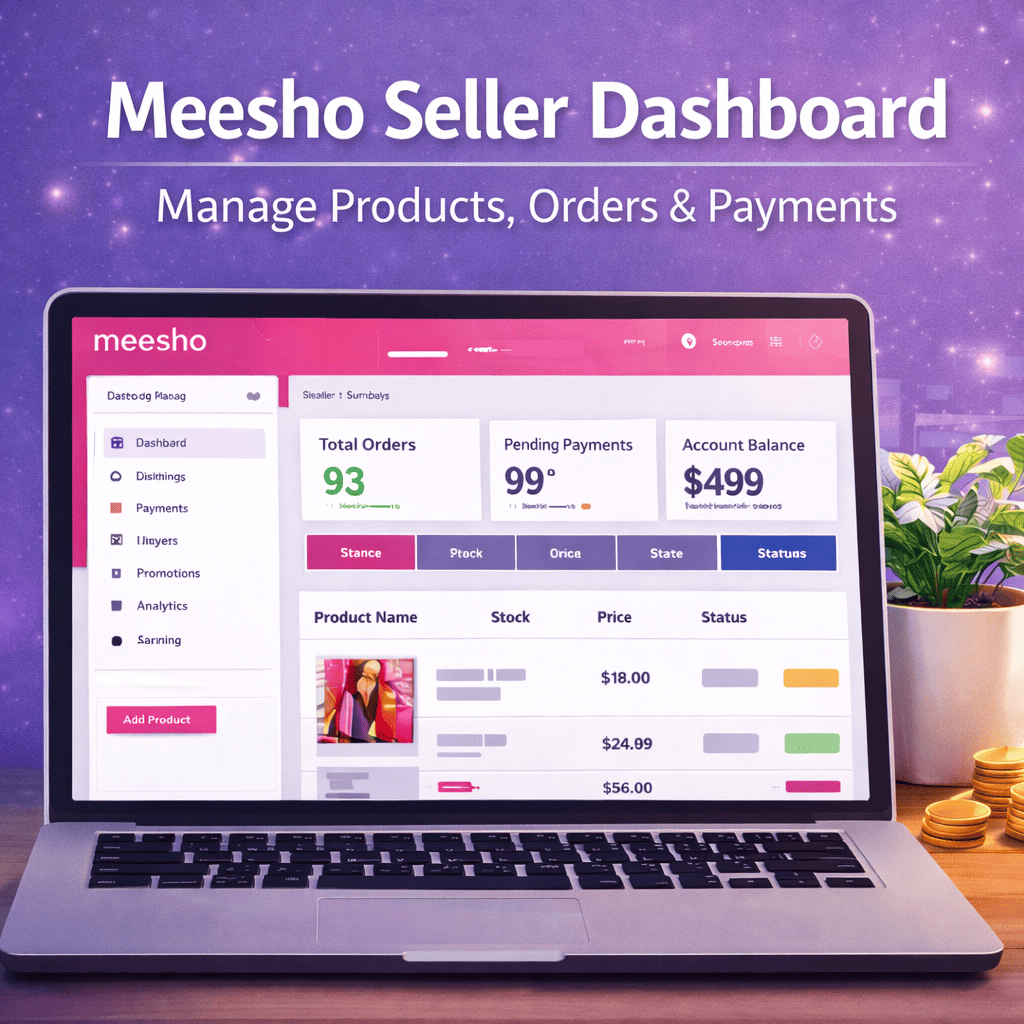
Unlike traditional marketplaces, Meesho simplifies the selling process by providing integrated logistics, order management, and payment settlements. Sellers can upload their product catalog through the Meesho Supplier Panel and start receiving orders from customers nationwide.
Popular Product Categories on Meesho
- Women’s clothing and fashion accessories
- Men’s clothing and apparel
- Home decor and kitchen products
- Artificial jewellery and accessories
- Beauty and personal care items
- Mobile accessories and electronics
- Baby products and toys
Benefits of Selling on Meesho
There are several advantages of choosing Meesho as your ecommerce selling platform.
- Simple seller registration process
- Access to millions of customers across India
- Integrated shipping and logistics support
- Low operational cost compared to other marketplaces
- Easy product catalog upload system
- Automated order and payment management
Requirements to Start Selling on Meesho
Before registering as a seller, you should prepare some basic information and documents.
- Valid mobile number for registration
- Email address for communication
- GST number (for most product categories)
- Bank account details for payment settlements
- Pickup address for product shipping
- Product catalog details including images and descriptions
Step by Step Process to Start Selling on Meesho
Step 1: Register on the Meesho Supplier Portal
Visit the official Meesho Supplier portal and register using your mobile number. Verify the OTP and create your seller account.
Step 2: Add Business Information
Provide details such as GST number, pickup address, and bank account details for payment settlements.
Step 3: Upload Your Product Catalog
- Product title
- Product images
- Product description
- Product price
- Product variants like size or color
High quality product images and accurate descriptions increase the chances of receiving more orders.
Step 4: Receive Orders
After your product listings go live, customers can browse and place orders through the Meesho marketplace.
Step 5: Packaging and Shipping
After receiving an order, pack the product securely. Meesho logistics partners will pick up the product and deliver it to the customer.
Step 6: Payment Settlement
After successful delivery, Meesho processes the payment and transfers the amount to your registered bank account according to the settlement cycle.
How Meesho Shipping Works
Shipping on Meesho is handled by their logistics partners. Sellers do not need to arrange their own courier services. Meesho manages pickup, delivery, and order tracking.
Shipping charges depend on product weight, delivery location, and category. Sellers should calculate their profit margins after including these costs.
Useful Tools for Marketplace Sellers
Tips to Increase Sales on Meesho
Use High Quality Images
Clear and professional product images attract more buyers and improve conversion rates.
Write SEO Optimized Titles
Include relevant keywords in your product titles to improve visibility in search results.
Offer Competitive Pricing
Compare prices with other sellers and keep your pricing competitive to increase orders.
Sell Trending Products
Focus on products that have consistent demand and trending categories.
Maintain Good Ratings
Customer reviews and ratings significantly affect product visibility and trust.